32GB Card: 1080p Recording Time on a Kids Camera
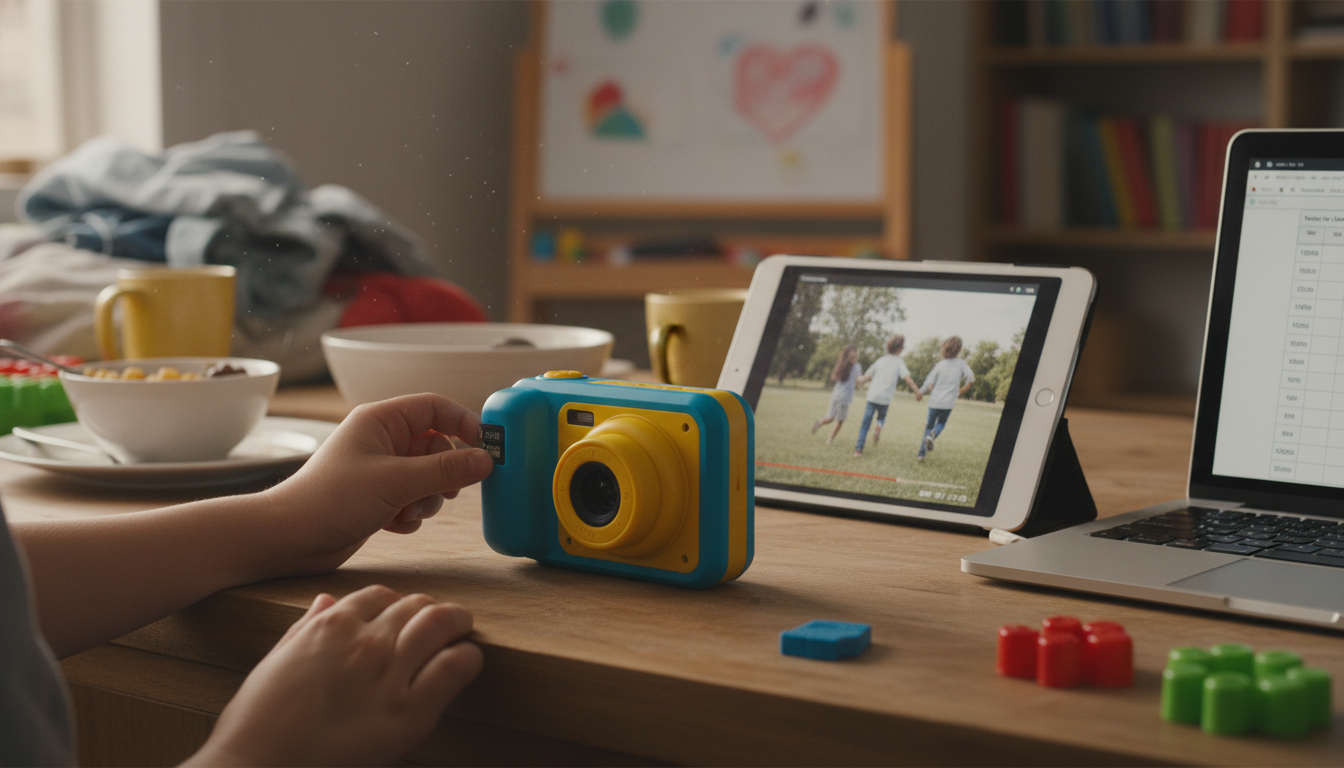
How long does a 32GB card record 1080P video on a kids camera?
On most kids cameras, a 32GB microSD card typically records about 2 to 5 hours of 1080p video. The exact time depends on the camera’s bitrate (how much data it writes per second), whether it uses efficient compression, and how much of the card is truly available after formatting.
What the numbers usually look like
Many kids cameras record 1080p at roughly 10–20 Mbps (megabits per second). At that range, a 32GB card often lands in these ballparks:
• Around 4–5 hours at ~10 Mbps
• Around 2–3 hours at ~20 Mbps
Real-world results can be a little lower because “32GB” is marketed in decimal units, while devices report capacity differently, plus the file system takes space.
Why your camera may record more or less
Bitrate settings: Some kids cameras have “HD/FHD” or “Low/High quality” options. Higher quality usually means larger files and fewer total hours.
Frame rate and stabilization: 1080p at 60fps typically uses more data than 30fps. Any extra processing features can also change file sizes.
Clip length and file splitting: Many kids cameras save video in short clips (like 3, 5, or 10 minutes). This doesn’t change total capacity much, but it can affect how easy it is to manage footage.
Quick way to estimate it yourself
If you can find your camera’s bitrate in the settings or manual, you can estimate recording time with a simple rule of thumb: higher Mbps = fewer hours. For a deeper breakdown and more practical examples, see the full guide here: https://anenos.com/how-long-does-a-gb-card-record-p-video-on-a-kids-camera/.
For 32GB Card: 1080p Recording Time on a Kids Camera, the best answer depends on fit, material, care instructions, and how the product will be used day to day.
FAQ
Does a faster microSD card increase recording time?
No—speed affects how reliably the camera can write video without errors, but capacity is what determines how long it can record. A faster card may reduce dropped frames or “recording stopped” issues, especially at higher-quality settings.










Leave a comment