Set Up an Intelligent RC Robot Cat: Remote & Voice
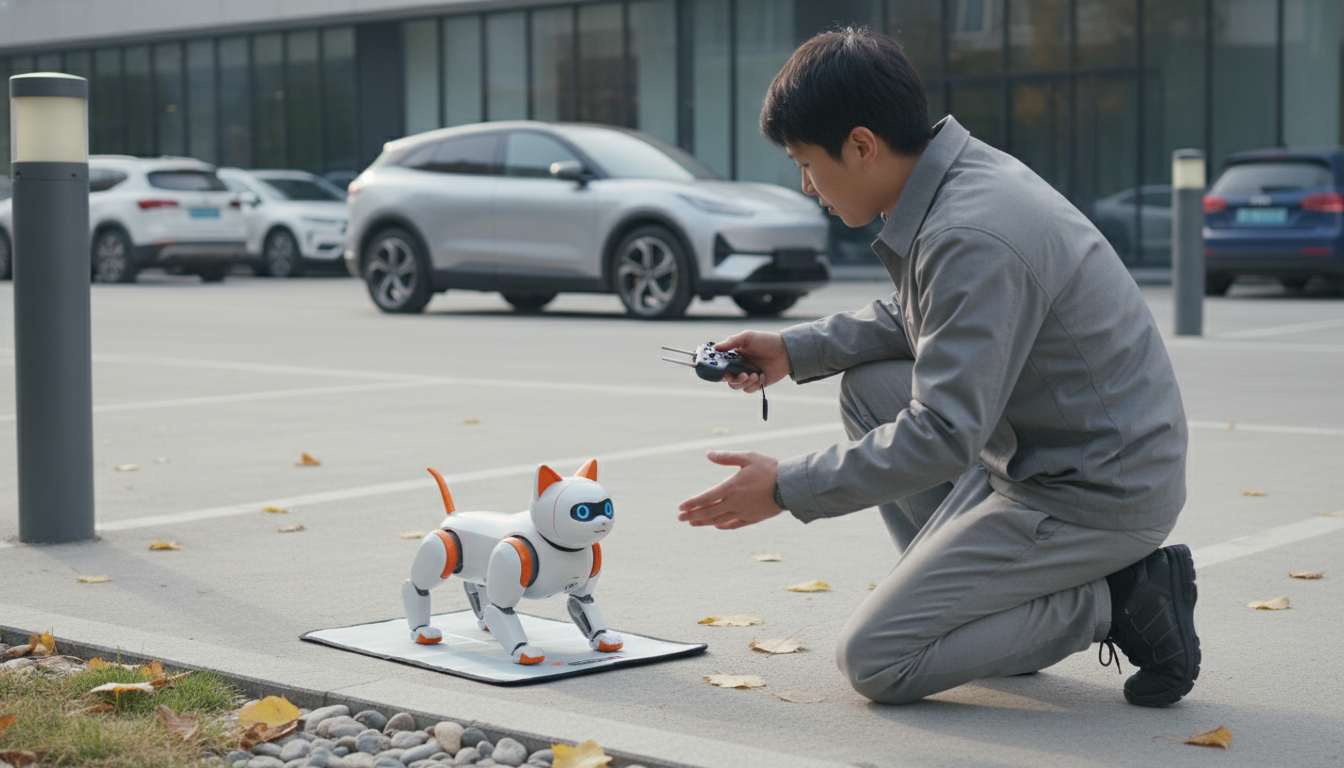
How do you set up an intelligent RC robot cat for the first time and pair the remote or voice commands?
First-time setup: charge, power on, and prepare the play area
Start by fully charging the robot cat using the included cable and a stable USB power source. While it charges, clear a small open space on the floor to prevent the cat from bumping into cords, table legs, or stairs during its first calibration. Once charged, insert batteries into the remote (if required), then switch the robot cat to ON. Many models give a short sound or light sequence to confirm it’s ready.
Pairing the remote control
Most intelligent RC robot cats pair in one of two ways: automatic pairing on startup or pairing mode via a button. Turn on the robot cat first, then power on the remote. If it doesn’t respond within 10–20 seconds, look for a “Pair,” “Connect,” or “Mode” button on the remote or a small pairing button on the cat (often near the power switch). Press and hold for a few seconds until the indicator light blinks, then wait for it to become solid, which typically means the connection is locked in. Test basic functions like forward, turn, sit, or meow to confirm control.
Setting up voice commands (if supported)
Voice features vary by model: some use built-in keyword commands, while others require an app connection. If your cat supports direct voice control, move to a quieter room and speak the command clearly at a normal volume from a few feet away. For app-based voice control, install the manufacturer’s app, connect the robot cat via Bluetooth or Wi‑Fi as instructed, and enable microphone/voice permissions. After linking, run a quick voice test (like “come here” or “sit”) and adjust sensitivity settings if the cat reacts inconsistently.
Troubleshooting quick fixes
If pairing fails, restart both the robot cat and remote, confirm the battery levels are strong, and keep the remote close during pairing. Avoid pairing near other active Bluetooth devices if your model uses Bluetooth. If the cat moves erratically, place it on a flat surface and rerun its startup sequence so its sensors can recalibrate.
For model-specific steps and detailed pairing tips, visit the complete setup guide here.
FAQ
Why won’t my RC robot cat respond even though it turns on?
Check the remote batteries, confirm the cat is fully charged, and redo the pairing sequence with the remote held close. If it still won’t respond, power-cycle both devices and try again in a low-interference area.










Leave a comment