32GB 4K Video Time: Minutes to Hours by Bitrate
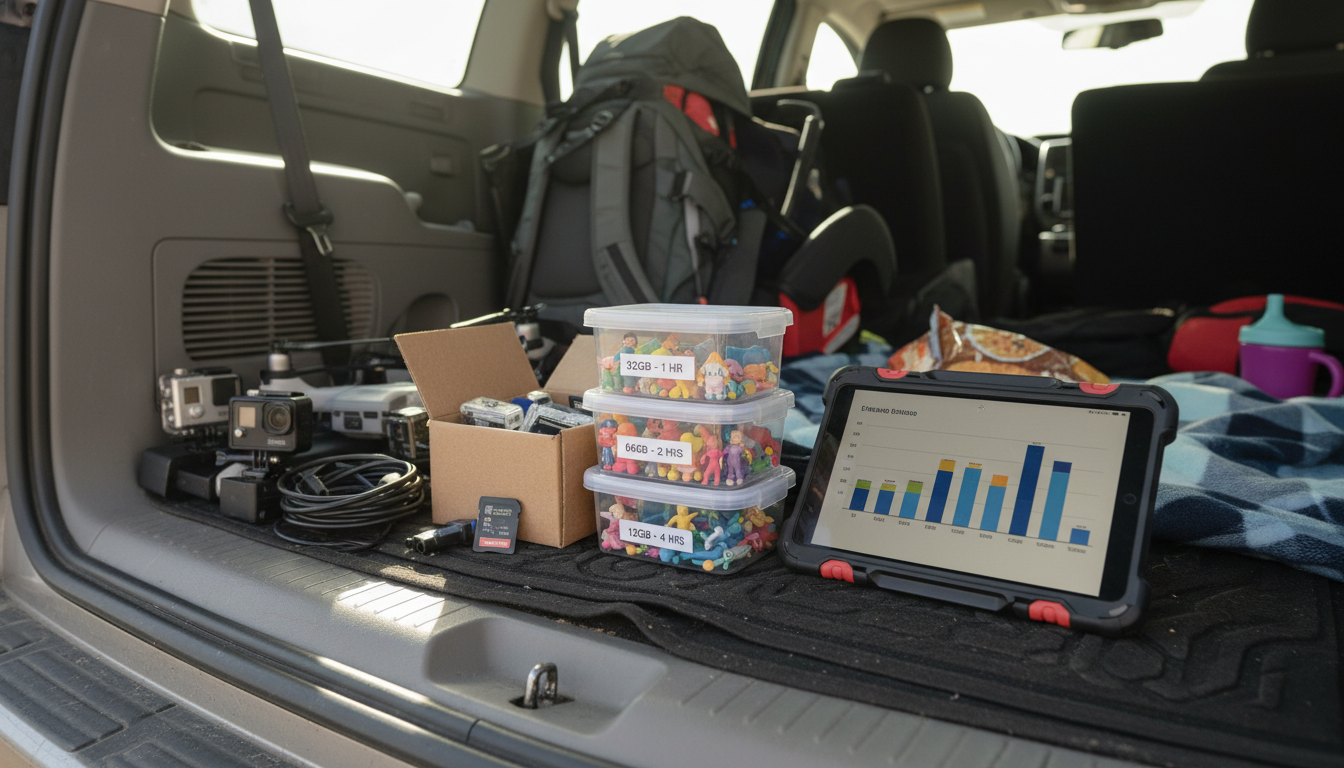
How many hours of video can 32GB hold 4K?
Answer
A 32GB card typically holds about 45 minutes to 2 hours of 4K video, depending on your camera’s bitrate (how much data it records per second), codec (H.264 vs. H.265/HEVC), frame rate, and whether features like HDR or high-detail modes are enabled.
Here are practical estimates for 32GB at common 4K bitrates (real-world usable space is slightly less than “32GB,” so numbers are approximate):
- 100 Mbps (high quality, common on action cams): ~40–45 minutes
- 60 Mbps (many phones/cameras): ~65–75 minutes
- 45 Mbps (efficient 4K settings): ~90–100 minutes
- 30 Mbps (HEVC/optimized modes): ~2 hours
Why the spread? Two devices can both say “4K,” but one might record at 30 Mbps while another records at 100+ Mbps for sharper motion and fewer artifacts. Audio, file-system overhead, and reserved space on some cards also reduce total record time.
If you want the most accurate number for your specific device, look for a “record time” estimate in the camera’s storage menu or specifications, or record a 1-minute test clip and check the file size. Multiply that size by 32 to estimate the total minutes you’ll get at the same settings.
For kids’ cameras and casual recording, many models shoot at 1080p rather than 4K, which dramatically increases record time on the same 32GB card. For a real-world example of a 32GB setup in a kids camera context, see this guide: https://anenos.com/guide-kids-instant-print-camera-20mp-1080p-32gb/.
For 32GB 4K Video Time: Minutes to Hours by Bitrate, the best answer depends on fit, material, care instructions, and how the product will be used day to day.
Checking those details first helps avoid a poor match and keeps the choice practical after delivery.
FAQ
Does 4K use more storage than 1080p?
Yes. At similar quality settings, 4K usually needs several times more storage than 1080p because it captures far more pixels per frame, often paired with higher bitrates.









Leave a comment