Robot Cat Toy Voice Commands & Fixes When It Won’t Respond
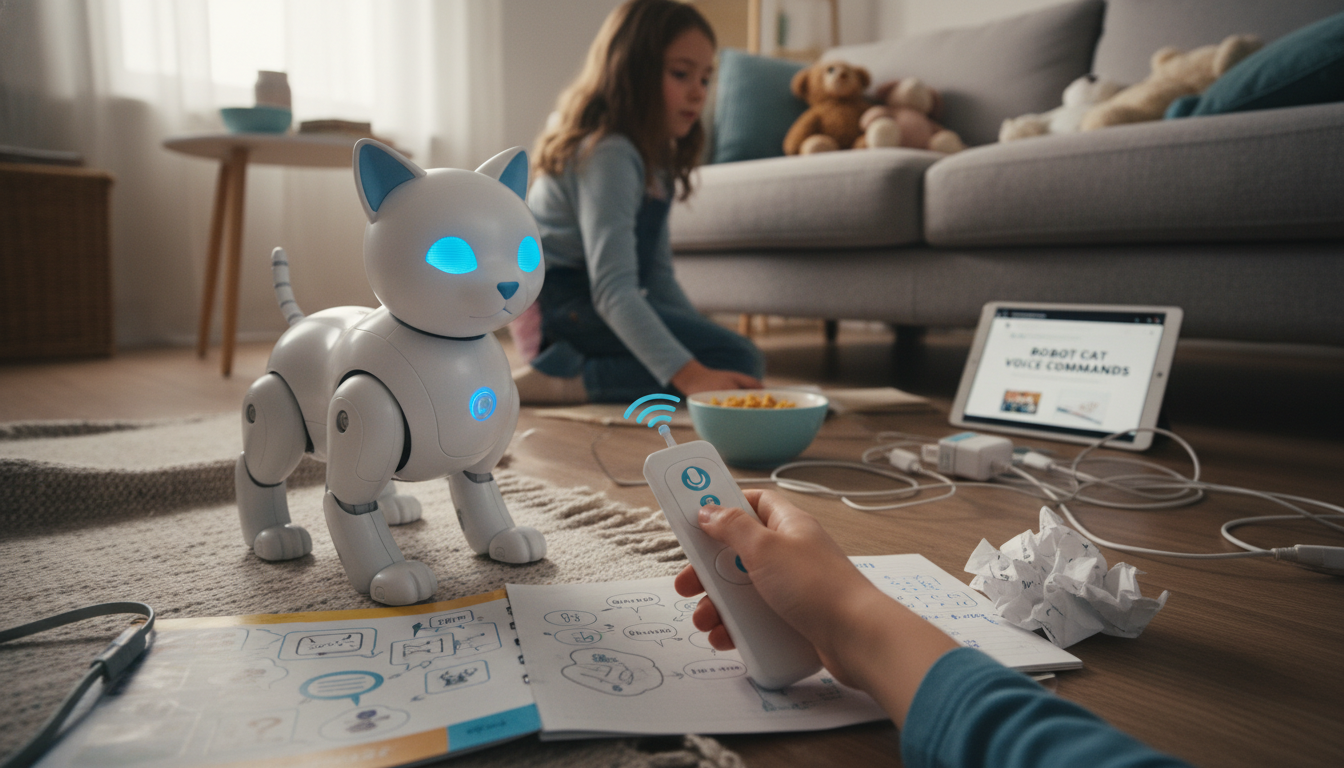
What voice commands do robot cat toys typically understand, and what should you do if it doesn’t respond?
Most robot cat toys that support voice control understand a small set of short, simple phrases designed to start or stop play. Common commands include “start,” “go,” “play,” “stop,” “pause,” “come here,” “follow me,” “sit,” “stay,” and “dance.” Some app-connected models also recognize a wake word (such as “hey” + toy name) before they’ll listen, and many respond best to a calm voice at close range. If your toy has multiple modes, it may also accept “faster,” “slower,” “left,” “right,” or “spin,” but that varies widely by brand and model.
How to get better command recognition
Keep commands short (one or two words), speak clearly, and reduce background noise like TV audio or fans. Try facing the toy so its microphone isn’t blocked, and stand within a few feet. If the toy uses a wake word, say the wake word first, then the command after a brief pause. Also check whether voice control is disabled in the companion app or requires a specific “voice mode” to be turned on.
What to do if the toy doesn’t respond
Start with the basics: confirm it’s powered on, charged, and not stuck in sleep/idle mode. If it has a volume or sensitivity setting, increase it slightly. Next, restart the toy (power off/on) and, if applicable, restart the app and your phone’s Bluetooth/Wi‑Fi. Re-pair the device if it’s app-controlled. Make sure the microphone opening is clean and not covered by fur, dust, or a protective sticker.
If it still won’t respond, test a manual control (button press or app command). If manual controls work but voice does not, the issue is usually a setting, noise interference, or a microphone fault. If neither voice nor manual controls work, it may be a battery, motor, or firmware problem. For deeper troubleshooting steps and model-specific guidance, visit the main article.
FAQ
Do robot cat toys need Wi‑Fi to use voice commands?
Some do, especially smart models that route voice features through an app or cloud service. Others process simple commands locally and only need power, but they may still require Bluetooth or an app for setup.







Leave a comment